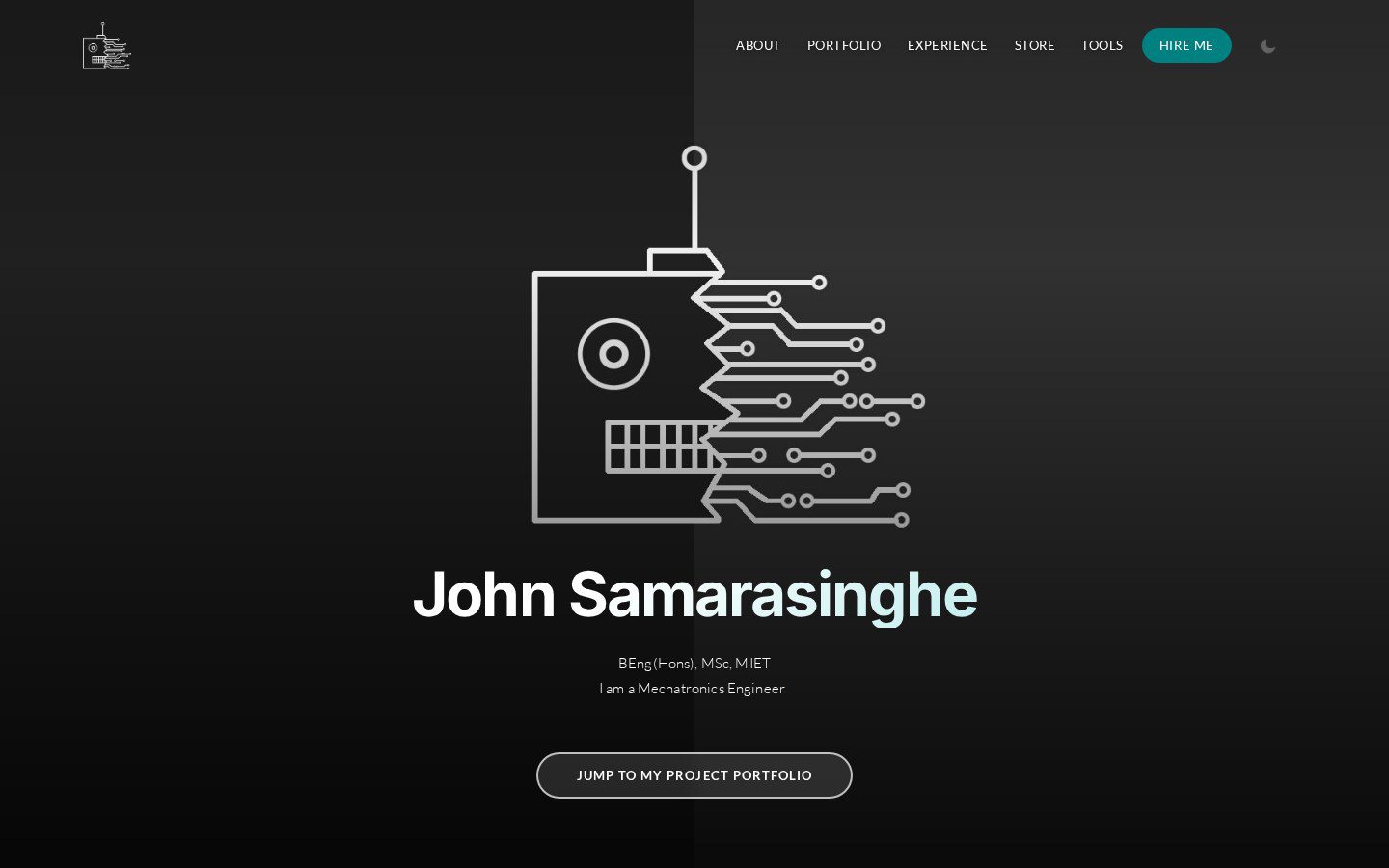
I have wanted to build a website for my own for a very long time. In fact I used to have website hosted on 000webhosting with the url johnsamarasinghe.co.cc that I built for completely free. But about a year after the entire .co.cc domain was shutdown because some people were using it for their shady business.
Recently I watched a video on YouTube by NetworkChuck and I got thinking about this again. Since I wasn't really working on anything at the time I thought I'll give a crack of building my own website. But I didn't want to use any website building tools online. I wanted to build it from scratch with a simple code editor and some YouTube tutorials.
To get started I needed a domain. So I headed over and grabbed myself the domain, "iamjohnnysam.com" to match with my username on every other social media site. At this point I was determined that this domain would not sit without any content on it until the subscription expires like all my previous websites. So I got cracking with some YouTube tutorials which helped me pick up some important concepts in creating modern website designs, and experimented with a few desins to get the best look that I was looking for. The result is the website you see here.
Dark Mode
On the 16th of May, 2021, dark mode was added throughout the website. This was connected to locat storage so that the settings are kept constant throughout the site and during each instance. The toggle for the dark mode was added in the main page menu area.
Google Analytics
On the 16th of May, 2021, the website was connected to Google analytics to monitor the traffic on the website
PHP Overhaul
On the 23rd of May, 2021, I overhauled the entire website and made it with php. I started by creating a proper folder structure to house my main projects, sub projects and other pages. Next I created php or html files for the main and common constructs that appear in every or most pages. Variables were used where customization was required. This means that if there is an error in one of these locations or if there is something that needs to change, I can make the edit in one location to change all the constructs throughout the website. I also made use of the .htaccess to redirect 404 errors to a seperate webpage and hide any .php or .html extensions anywhere in the website.
PHP upgrade
I found this useful video on Web app development after I did my wesite overhaul in May 2021.
A few important chapters from the videorn
- (00:00:00) Web Applications and the Request/Response Cycle
- (00:16:56) Understanding Browser Developer Mode
- (00:25:42) HTML - HyperText Markup Language
- (00:45:32) Code Walkthrough: HTML
- (00:59:32) CSS - Cascading Style Sheets
- (01:41:21) Code Walkthrough: CSS
- (02:20:40) Installing MAMP on Macintosh for PHP/MySql
- (02:27:42) Installing MAMP on Windows-10 for PHP/MySql
- (02:42:15) Installing XAMPP on Windows for PHP/MySql
- (02:51:21) PHP Language
- (03:41:09) PHP Arrays
- (04:02:45) PHP Functions
- (04:26:06) PHP Forms
- (05:11:40) Code Walkthrough: Forms
- (05:39:28) Single Table SQL
- (06:23:26) Data Modeling
- (07:20:51) PHP Objects
- (07:59:57) PHP, MySQL, and PDO
- (08:53:30) Code Walkthrough: PHP, MySQL, and PDO
- (09:19:53) PHP - Cookies
- (09:29:53) PHP - Sessions
- (09:43:59) PHP - Sessions without Cookies
- (09:51:42) Code Walkthrough: Cookies and Sessions
- (10:02:08) PHP - HTTP Redirects
- (10:09:07) PHP - Post / Redirect
- (10:20:03) PHP - Flash Messages / Authentication
- (10:32:15) Code Walkthrough: Routing and Redirect
- (10:51:02) Building a CRUD Application in PHP
- (11:05:35) Code Walkthrough: Forms and CRUD
- (11:20:08) JavaScript
- (11:47:40) JavaScript - Document Object Model
- (11:58:20) Code Walkthrough: JavaScript and Profiles
- (12:08:37) JavaScript - Object Orientation
- (12:19:18) JQuery
- (12:46:53) Code Walkthrough: Profiles, Positions, and JQuery
- (13:12:10) JSON - JavaScript Object Notation
- (13:38:26) JSON - CRUD
- (13:48:00) Code Walkthrough: Profiles, Positions, Education and JSON
- (14:22:16) MOOC Graduation Video with Curt Bonk as Commencement Speaker
Similar Posts
Other projects and posts you might find interesting.