In May 2023 I wrote about iamJohnnySam | Website Overhaul with SQL & PHP. That was the point where this site stopped being a pile of static HTML files and became a small PHP and MySQL blog, with a hidden log-in page and a built-in editor so I could post without opening my hosting control panel. I was quite proud of it, and then I left it alone for three years.
It kept working, but it was showing its age. The styling looked like 2015, every change was made straight on the live server with no version control, and my CV was sitting on the home page for any bot to scrape. In June 2026 I started fixing that, and it turned into four months of steady changes. This post covers what changed, what I got wrong along the way, and how the site is run now.
Putting It in Git First
The first change was not visible at all. Until the end of May 2026 the only copy of the site was on the host. If I broke something, the "backup" was whatever I could remember. So before touching anything I pulled the whole public_html folder down, put it in a private GitHub repository and made the first commit: 130 files and about 7,700 lines.
The same evening I made a "modernization" commit that rewrote most of style.css (about 1,200 lines changed) and cleaned up the home, portfolio and hire pages. It was a rough first pass, but now every change after it has a history I can roll back.
An API Instead of a Log-In Page
The 2023 editor worked, but it lived inside the website. Writing a long post in a browser text box on a shared host is not fun, and every image upload went through the same page. I wanted to write posts locally and push them to the site.
So the site got a small REST API under /api/:
Method | Path | What it does |
|---|---|---|
GET | /api/posts | List all posts |
GET | /api/posts/{url} | Get one post |
POST | /api/posts | Create a post |
PUT | /api/posts/{url} | Update a post |
DELETE | /api/posts/{url} | Delete a post |
It uses a 64-character bearer token compared with hash_equals(), refuses anything that isn't HTTPS, cleans the URL slug down to [A-Za-z0-9_-], and every database write is a PDO prepared statement. Nothing fancy, but a big step up from a password form on a hidden page.
On the other end I built a separate local Editor app in Next.js with its own SQLite database. The idea was that the local copy is the master and the live site is only a publishing target. That worked well for a few months. It also turned out to be the wrong place for it, which I come back to below.
Redesigning Posts, Portfolio and the Home Page
Post pages
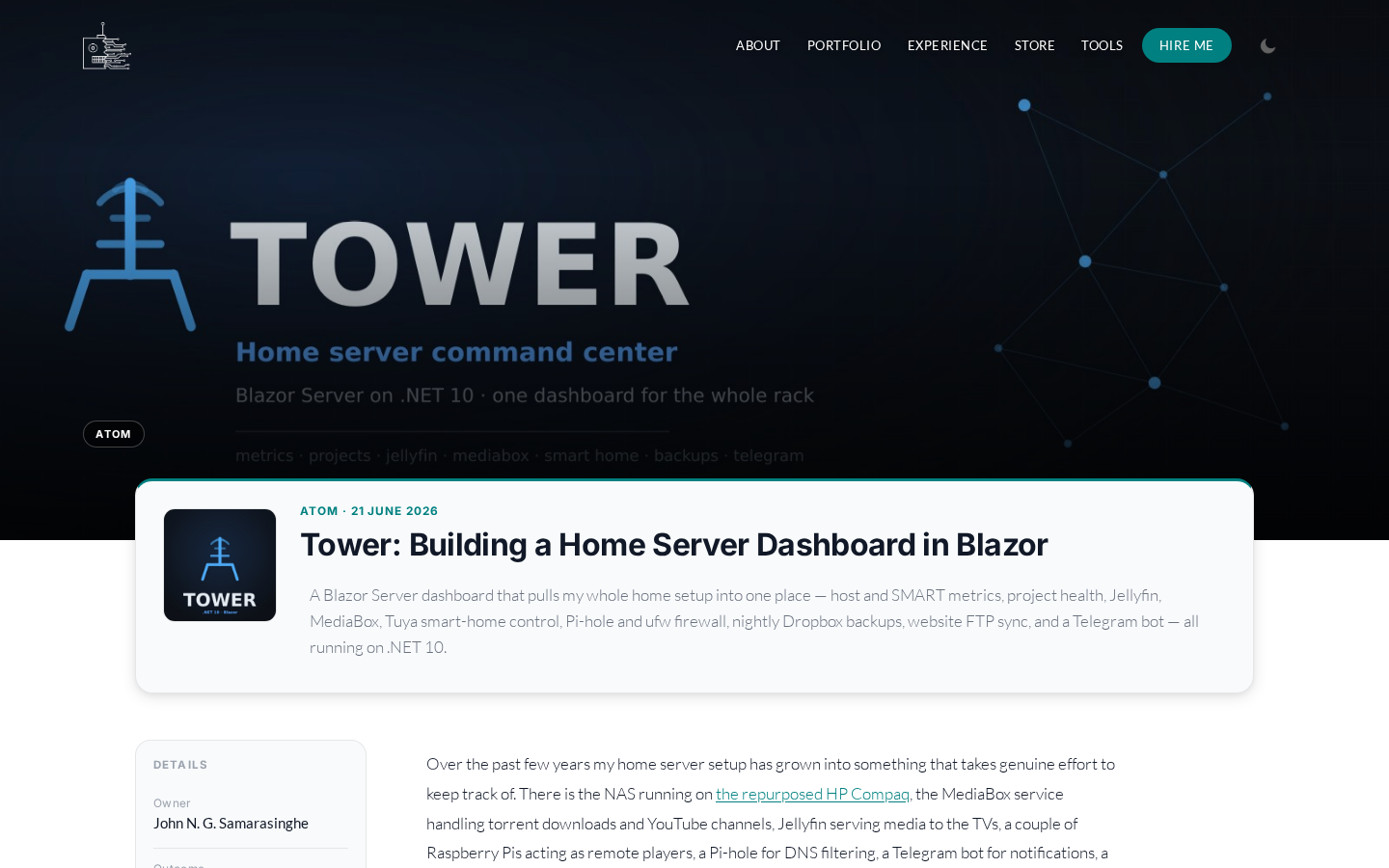
Every post now uses one layout: a full-width hero banner, a sidebar table of contents built from the headings, a scroll progress bar, proper code blocks and my own comments section. The old "BlogProject" split, where some posts were laid out as project pages and others as blog entries, is gone. A post is a post.
Portfolio, Store and Tools
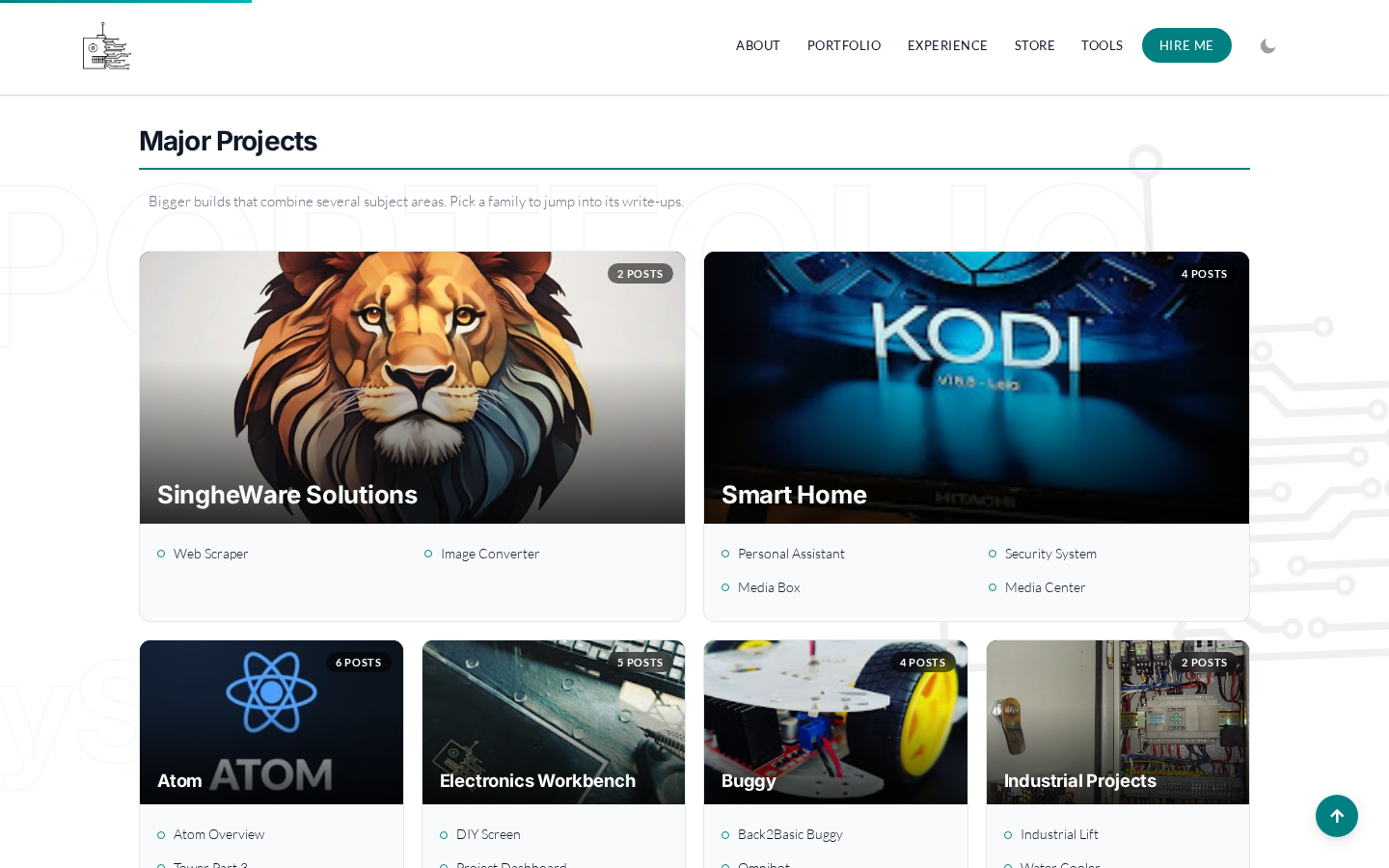
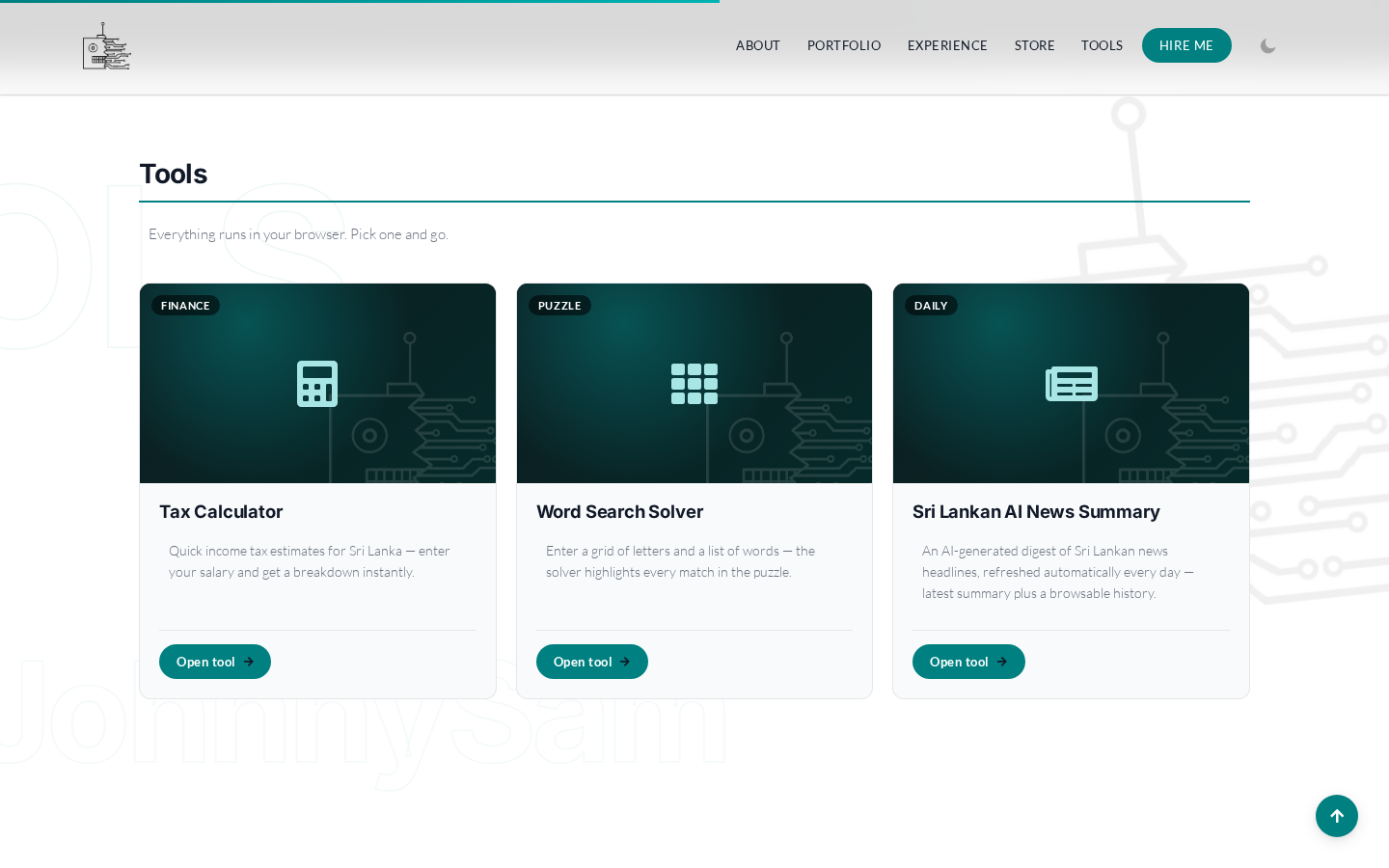
The portfolio page used to be a list of category titles. It is now a four-column grid of cards, and the "Major Projects" at the top are pulled from the database instead of being typed into the page. The Store and Tools pages got the same design. My old iamJohnnySam | Python based Word Search Solver moved into Tools, next to a tax calculator and, since July, a Sri Lankan AI News page that is fed by the same daily digest job described in iamJohnnySam | Atom: The Home Server That Runs the House.
SEO, finally
The 2023 site had almost no metadata. Every page now has a meta description, a canonical URL, Open Graph and Twitter card tags, and posts carry article schema. I am still not writing for search engines, but a link shared on WhatsApp should at least show a title and a picture.
The home page
The home page has been rebuilt twice. In June it became a two-column layout with a sticky skills panel on one side and my experience and certifications on the other. I also removed the downloadable CV PDF from the hire page and took personal details off the role card. In October it changed again, to a parallax hero with a scrolling watermark and my experience laid out as a timeline.
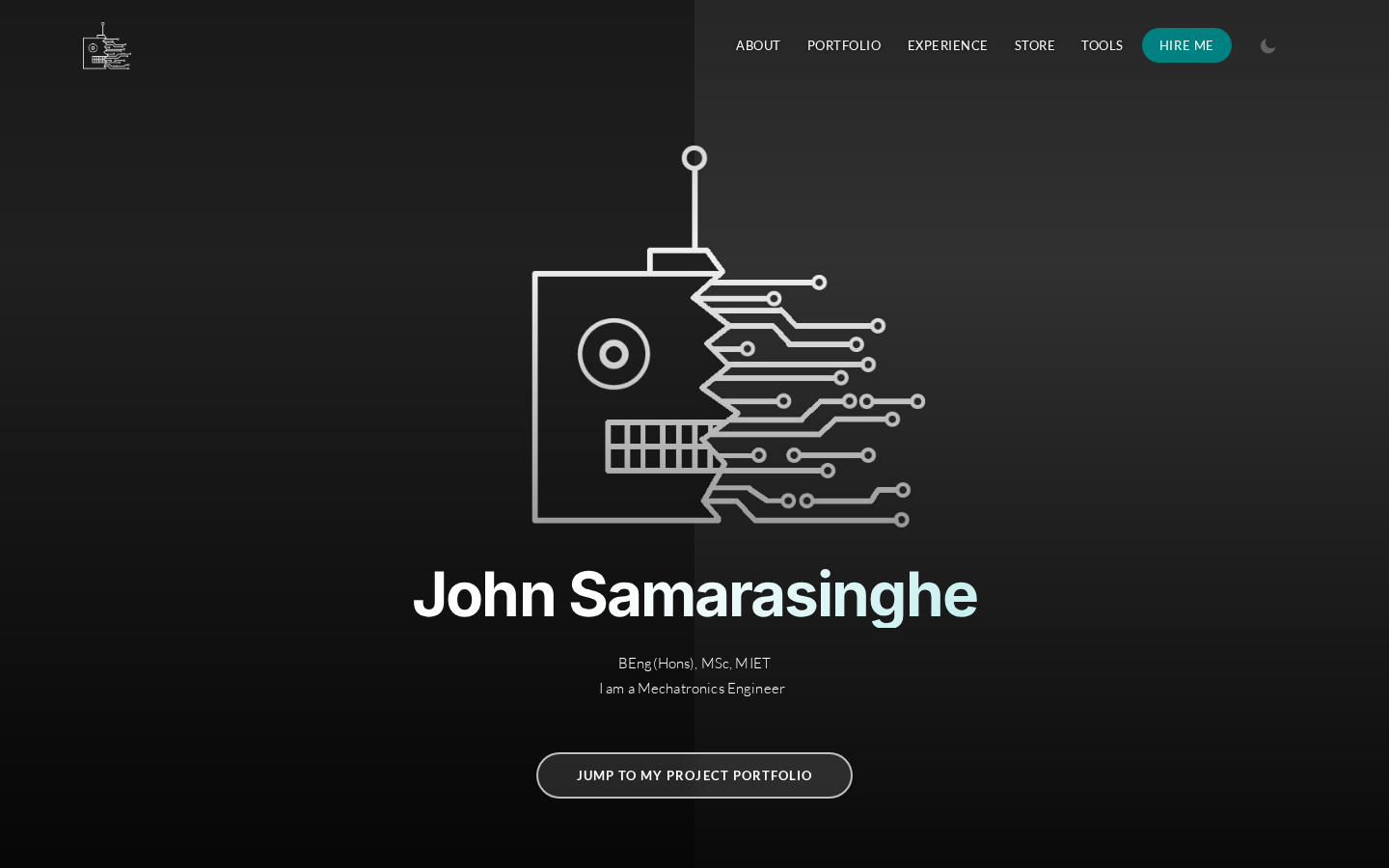
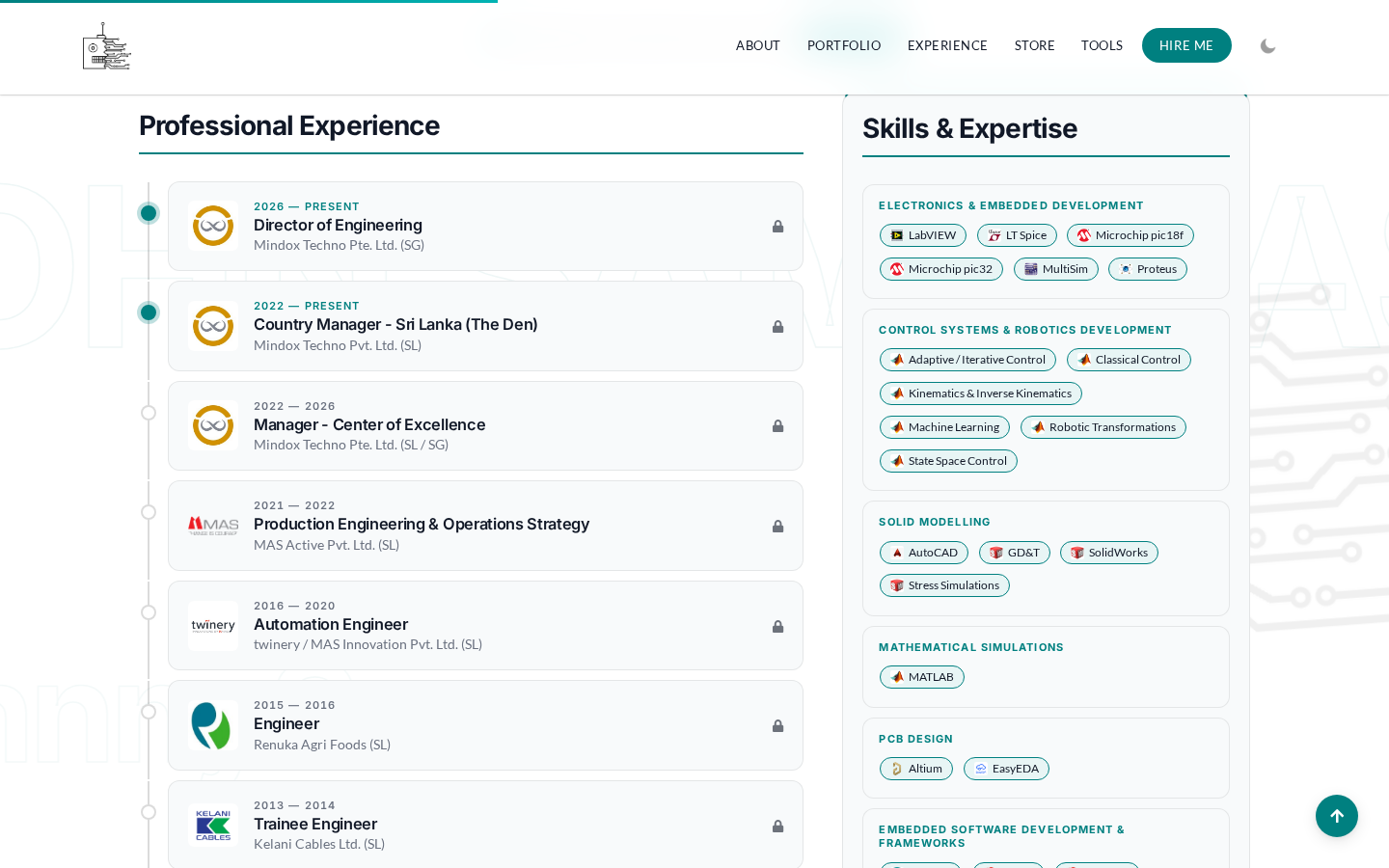
The bigger change on the home page is the one you can't see.
Hiding the CV From Bots
My older experience, hobbies and the full list of certifications were "hidden" in collapsible sections. Hidden only in the sense that you had to click to expand them. The HTML was sent to every visitor on page load, so any scraper got the whole thing without clicking anything.
The fix was to gate those sections on the server. Without a valid access code, the page sends an empty locked placeholder instead of the content. Entering a code sets a session flag, and the server then renders the sections and sends them back. The codes are stored only as password_hash() values, and they have expiry dates and rate limiting.
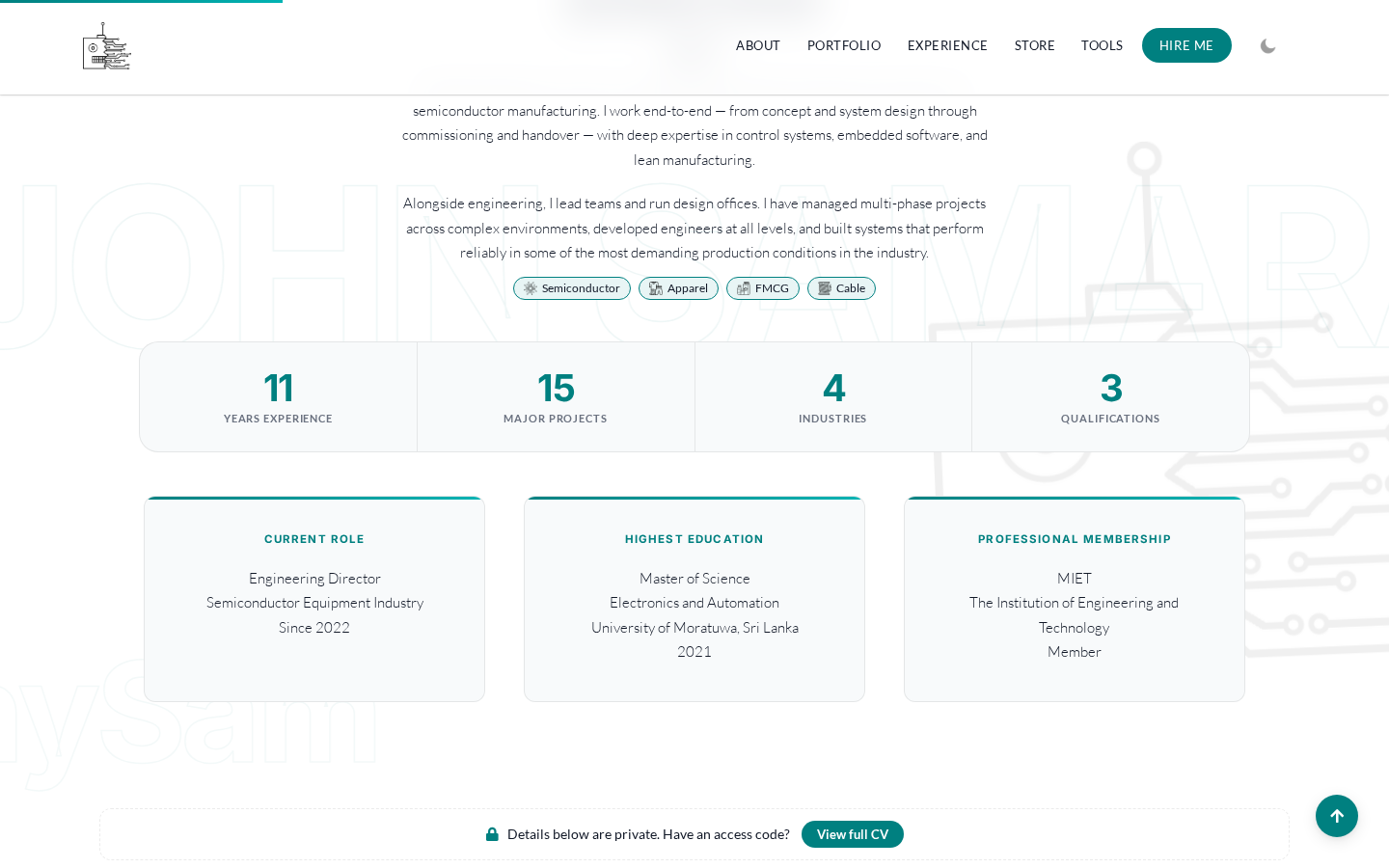
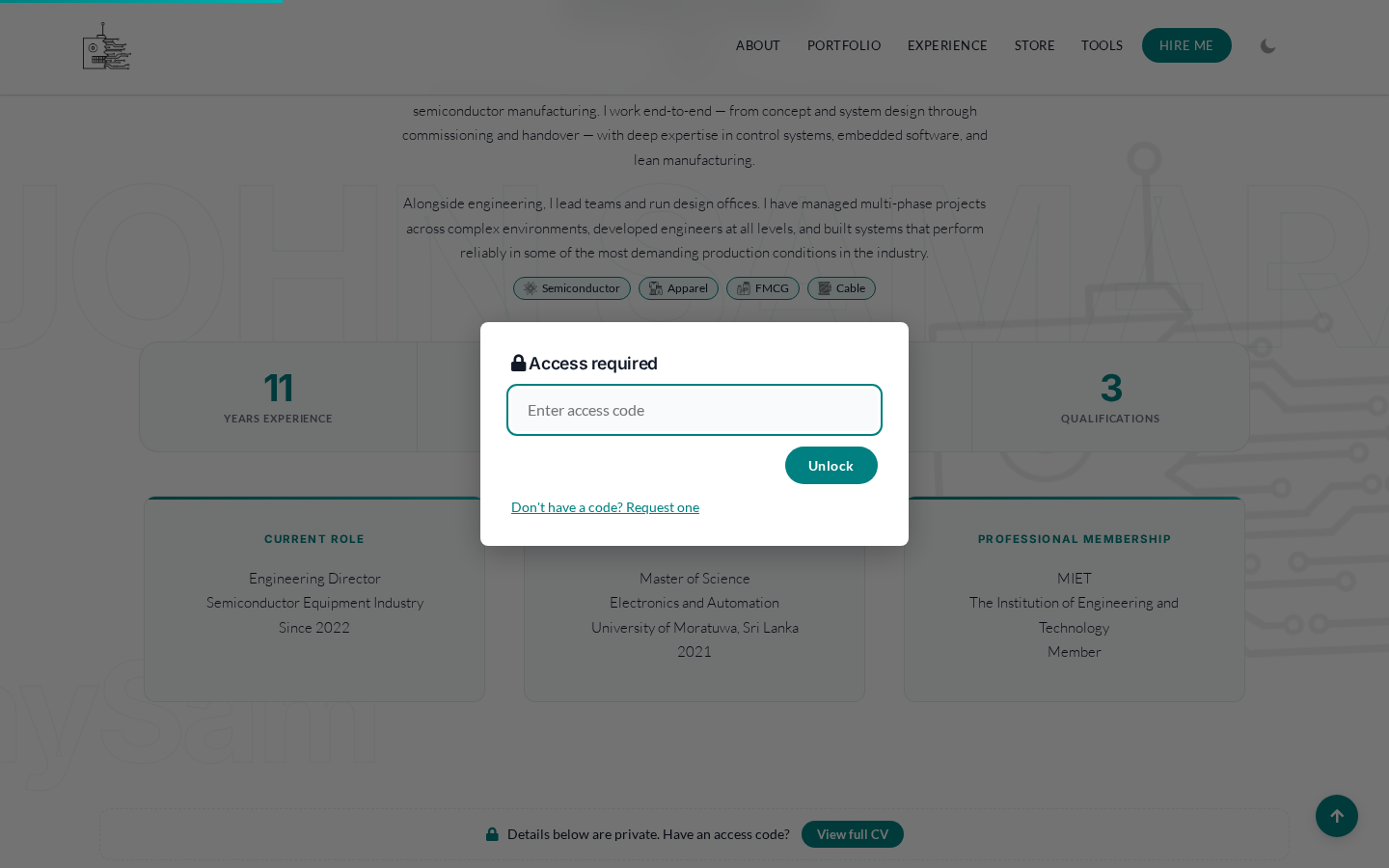
Here is the embarrassing part. I built this in June, and it looked finished. In October, while connecting it to my home server, I found that the home_passwords table had never been created on the live database. For three and a half months the gate had worked perfectly at keeping people out, because it could never accept a single code. Nobody complained, which says something about how many people asked for one. The API now creates the table if it is missing.
Since October 4th, a visitor can also request an access code from the site itself. The request goes in as pending and I decide on it from my dashboard. Reviewing that feature caught another bug: the CSRF check compared the submitted token with the session token, and when a session had no token at all, an empty string matched an empty string and the request went through. That is fixed now too.
The Mistakes I Made With Secrets
Adding an API meant the site now had a key worth stealing, and I did not handle it well at first.
On July 8th, to get the API working without setting a server environment variable, I gave the key a fallback value in the code. That put the key in the repository.
Two days later I found an old
htaccess.htmfile in the web root that was publicly readable and contained the key.
I removed both the same day. The API key and the database credentials now live in blog_secrets.php, which sits one folder above public_html so the web server can never serve it, is not in git, and is read by a small shared loader. Tower, my home server dashboard, now rotates the key on a schedule by downloading that file over FTP, swapping the value and uploading it back.
That rotation found the next problem. Between July and August the secrets file disappeared from the host, and the site kept working anyway because PHP was still using a cached copy. The only thing that noticed was the rotation job failing. The site was one PHP restart away from losing its database password. Restoring the file was simple. Seeing how quietly it had broken was the useful lesson.
A Proper Review in September
In September I went through the whole site properly and logged everything as GitHub issues instead of trying to keep it in my head. Eleven of them were fixed in one pass:
Hardened the mail headers on the hire form
Rate limiting and slug validation on comments
Self-hosted the HTML editor script instead of loading it from a third party
Real 404 responses for missing posts
Dark mode no longer flashes white on load, and follows the OS setting
Optimised images and the loading of fonts and scripts
Tightened CORS and the API error messages
Real last-modified dates in the sitemap
Removed unused files
In October I found one more. The blog feed paginated by date, so when two posts shared the same addedOn date, one of them could be skipped when you scrolled. With a few posts going up on the same day, that started to show.
Running the Site From Tower
This is where the Next.js Editor turned out to be the wrong idea. By the time I wrote iamJohnnySam | Tower: Building a Home Server Dashboard in Blazor, Tower was already handling the FTP sync to the host and the key rotation. Having a second app with a second database just for blog posts was one more service to keep running for no real gain.
On October 4th I retired the Editor. Its 75 posts and 14 projects were imported into Tower's database, and its GitHub repository is archived. Everything about the website is now managed from one place:
Website › Posts to write, edit and publish posts, with a TipTap editor and image uploads that are resized and pushed live automatically
Website › Major Projects for the portfolio grid
Website › CV to edit the About block, experience, skills and certifications on the home page through a new
/api/cvendpoint, instead of editinghome.phpWebsite › CV access to create and revoke access codes and approve requests
Website › Site for the FTP sync
The last piece is change detection. Tower remembers the size and modified time of every file it has uploaded. If local files change and stay unchanged for ten minutes without reaching the live site, it sends me a Telegram message with a "Sync now" button. Checking all 667 files locally takes about 7 milliseconds, so it never has to scan the host over FTP to find out what is out of date.
Building It With Claude Code
In the 2023 post I wrote that my web development skills were not very good. Looking at the commit history, it would be fair to ask how the same person shipped 60 commits of PHP, SQL, JavaScript and C# in four months while holding down a full-time job. The answer is that I used Claude Code for most of the typing, and I see no reason to hide that.
I use the best tools available to me in everything else. I don't hand-wind my own motors or draw PCBs on graph paper, and in the same way I'm not going to type every line of boilerplate myself when a capable tool exists. What the tool does not do is decide what to build. The ideas behind every change here were mine: putting the site in git, moving the CV behind a server-side gate, keeping secrets out of the web root, retiring the Editor and folding everything into Tower. So were the instructions and the review of what came back. Most of the mistakes in this post were caught because I asked the right question or noticed something that didn't add up.
The way I work with it is the same way I would lead an engineer on my team. I write down what I want and why, it drafts a design and a plan, I push back where it has misunderstood, and only then does code get written. Every change is committed with a clear message, so I can see exactly what was done. It makes me faster. It does not replace knowing what good looks like.
Where It Stands Now
Compared to the 2023 version, the site now has version control, an API instead of a hidden log-in page, a consistent design, metadata, a CV that isn't handed to every scraper, and secrets that live outside the web root and get rotated. Writing this post and publishing it is three API calls from my home server.
The biggest difference is not on any page. In 2023 I made changes directly on a live server and hoped for the best. Now every change is committed, reviewed, synced and tracked, and when something breaks quietly, like the missing secrets file or the access code table that never existed, something actually tells me.


