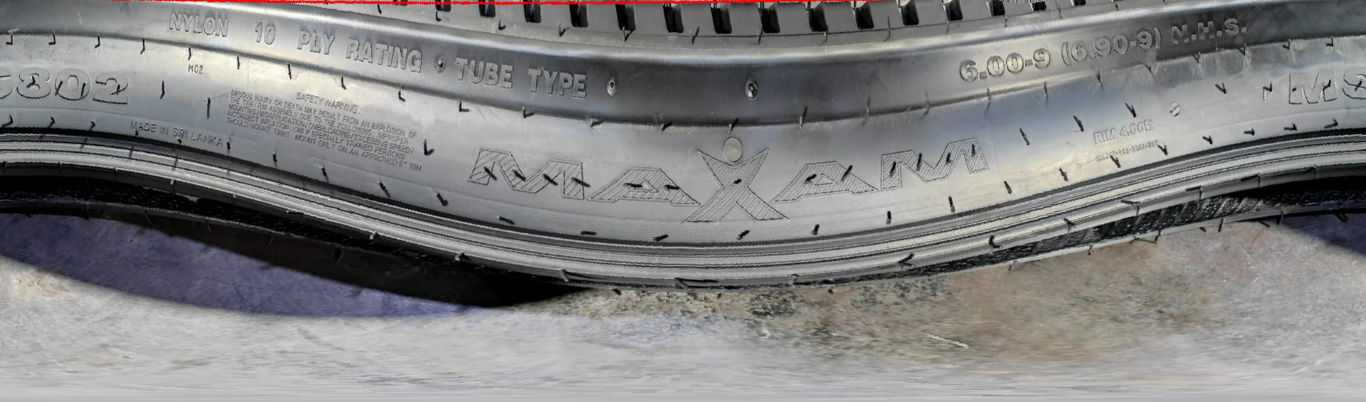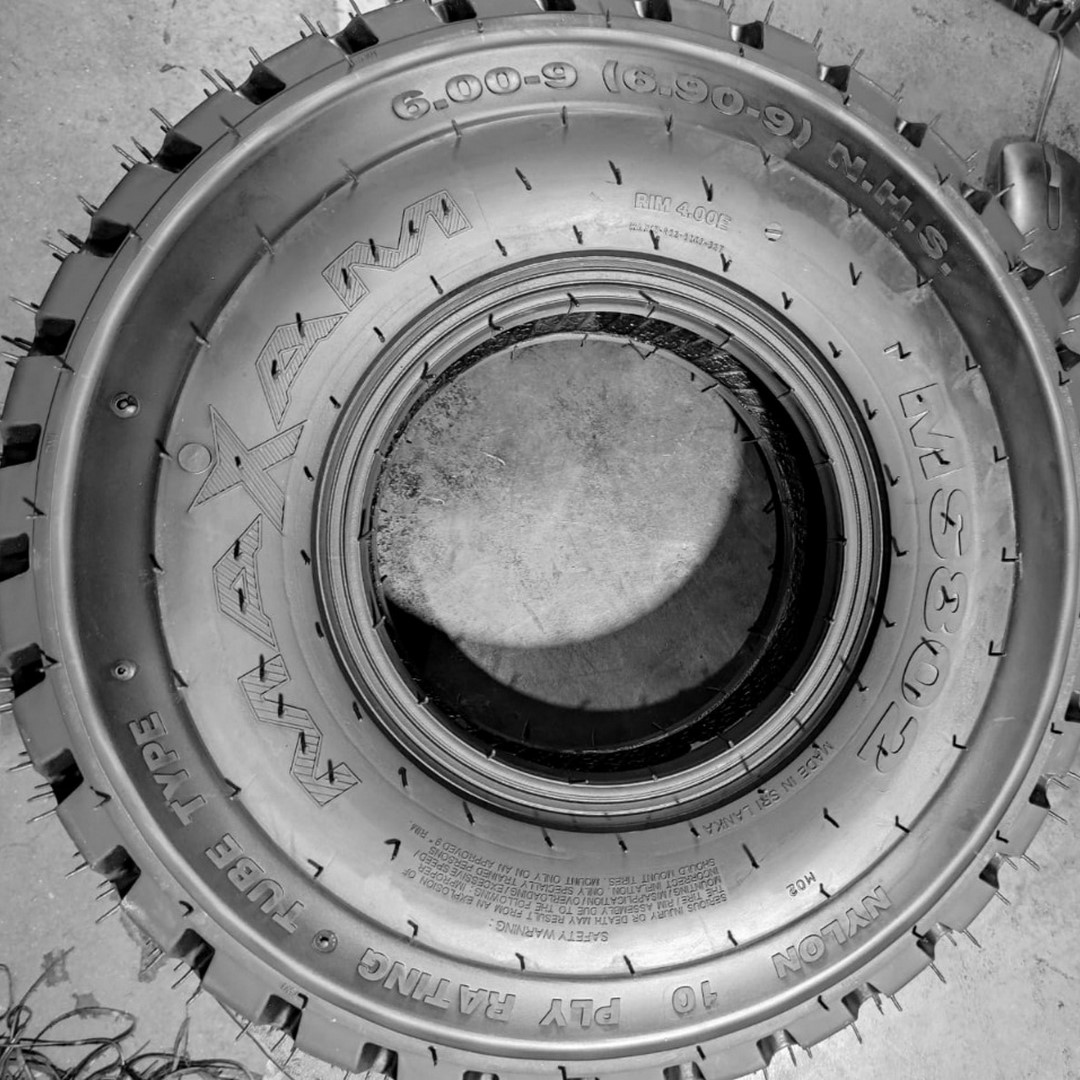
This is an attempt to obtain the lettering from a tyre.
import cv2 as cv
import numpy as np
from google.colab.patches import cv2_imshow
img_orig = cv.imread('Tyre1.jpeg')
imgNu = 3
img1_1 = cv.cvtColor(img_orig, cv.COLOR_BGR2GRAY)
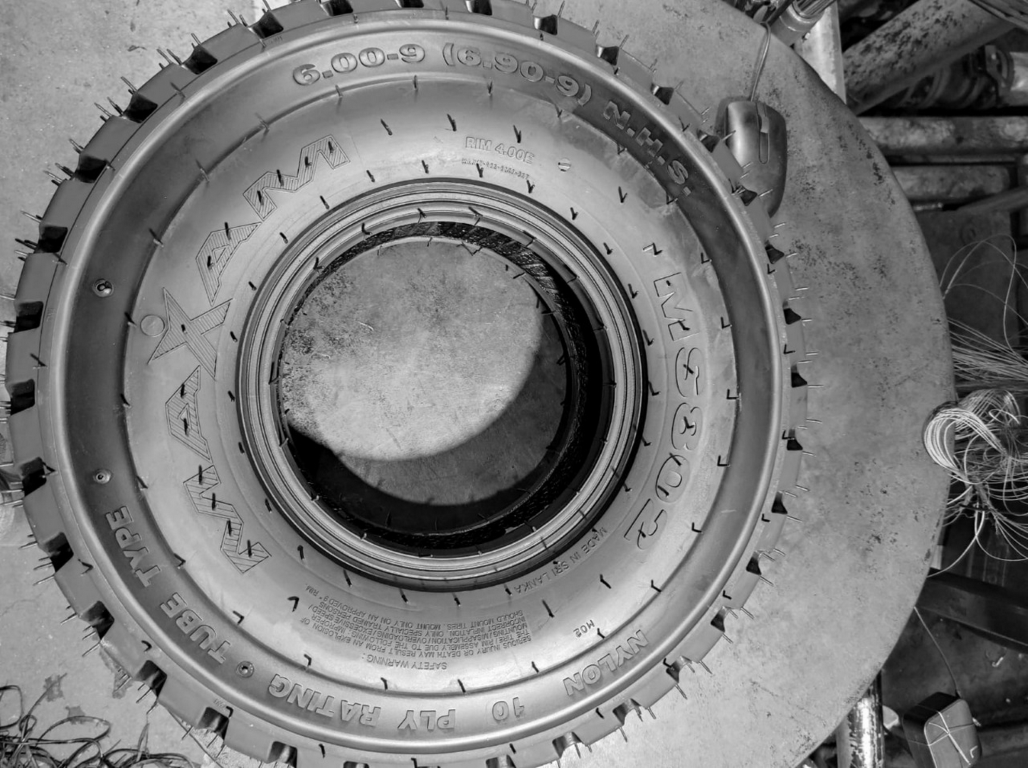
img1_2 = cv.GaussianBlur(img1_1, (9,9),0)
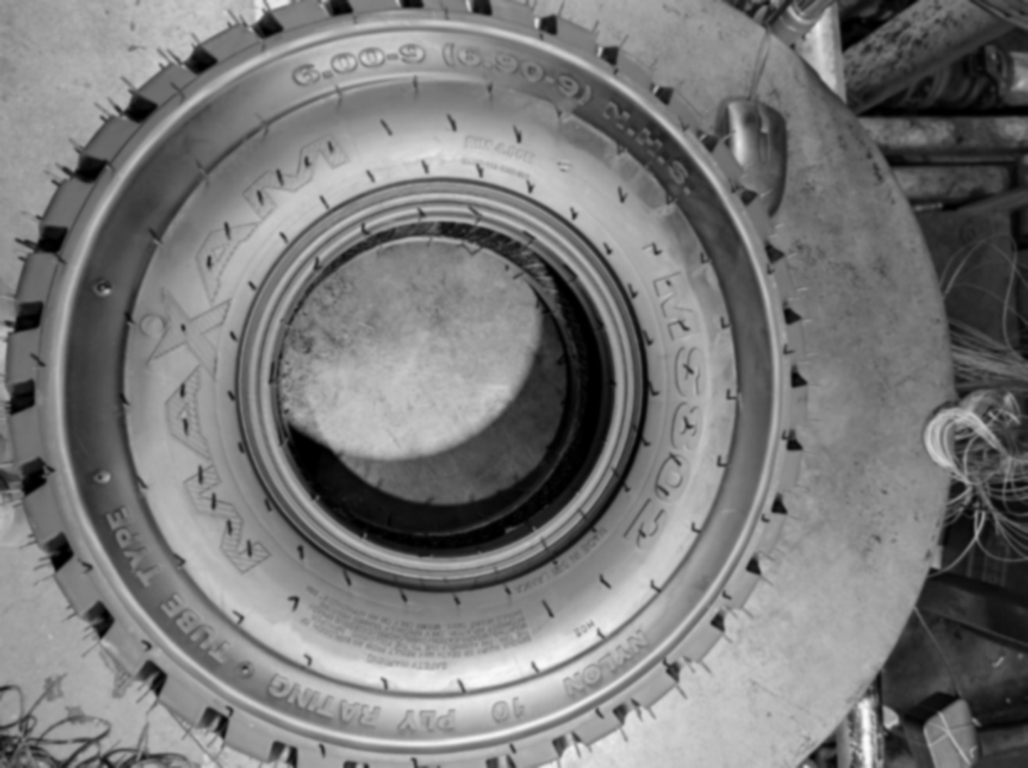
img1_3 = cv.Canny(img1_2,90,90)
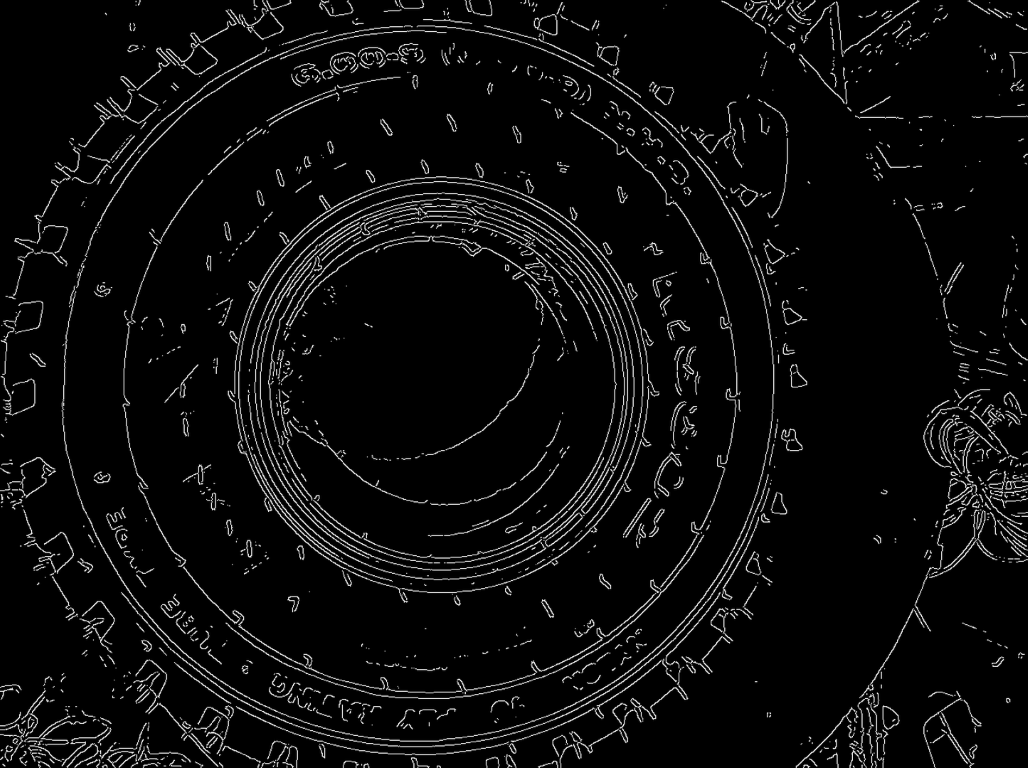
cir = cv.HoughCircles(img1_3,cv.HOUGH_GRADIENT,1,20,param1=50,param2=30,minRadius=0,maxRadius=0)
cir = np.uint16(np.around(cir))
maxr = 0
cirx = 0
ciry = 0
for i in cir[0,:]:
    if ((maxr < i[2]) & (i[2] < img1_3.shape[0]/2) & (((i[0] > img1_3.shape[0]*0.2) & (i[0] < img1_3.shape[0]*0.8)) | ((i[1] > img1_3.shape[1]*0.2) & (i[1] < img1_3.shape[1]*0.8)))):
        maxr = i[2]
        cirx = i[0]
        ciry = i[1]
img2_1 = cv.circle(img_orig, (cirx, ciry), maxr, (0,0,255), 2)
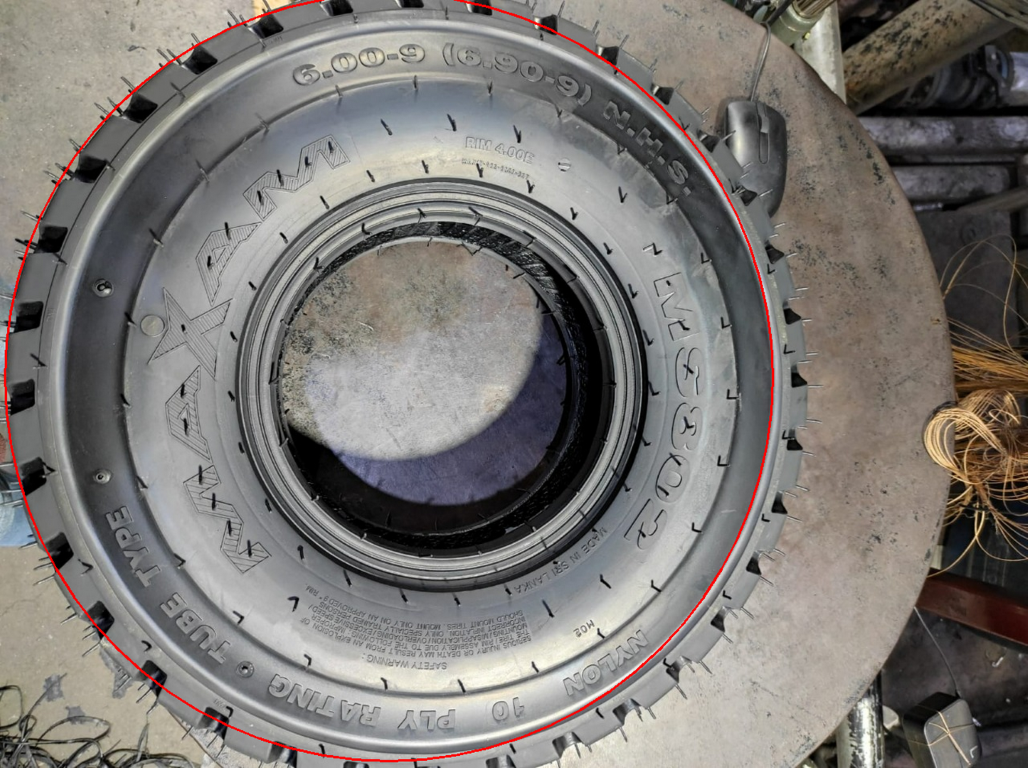
x = np.array([cirx, ciry])
x1 = 0
x2 = img1_1.shape[1]-1
y1 = 0
y2 = img1_1.shape[0]-1

if(ciry>maxr):
    y1 = ciry-maxr

if(ciry+maxrmaxr):
    x1 = cirx-maxr

if (cirx+maxr 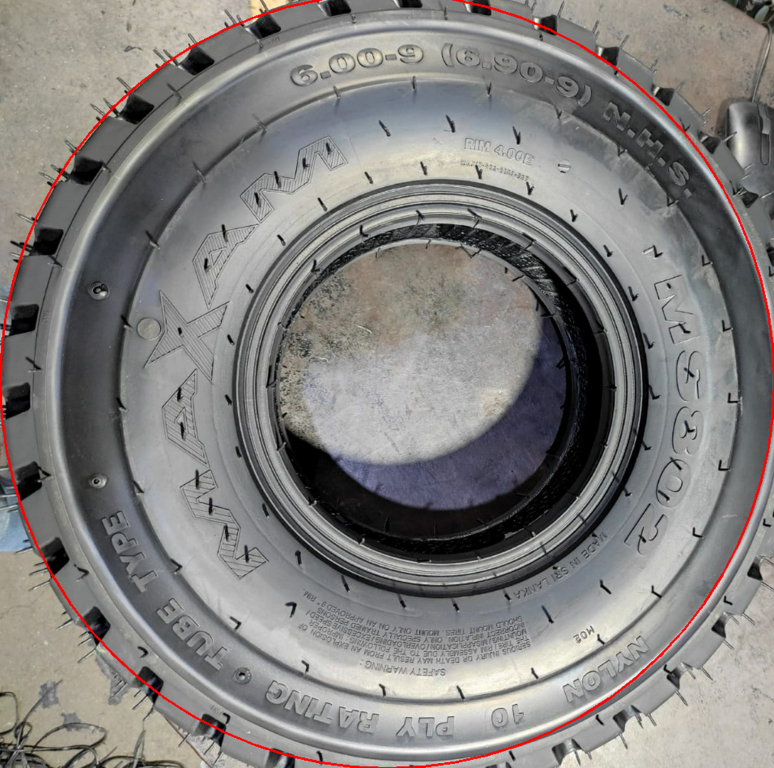
img3_2 = cv.cvtColor(img3_1, cv.COLOR_BGR2GRAY)
img3_3 = cv.GaussianBlur(img3_2, (9,9),0)
img3_4 = cv.Canny(img3_3,90,90)
ccir = cv.HoughCircles(img3_4,cv.HOUGH_GRADIENT,1,20,param1=50,param2=30,minRadius=0,maxRadius=0)
ccir = np.uint16(np.around(cir))
center = np.empty(shape=[0, 2])
for i in cir[0,:]:
    if ((i[0] > cirx*0.9) & (i[0] < cirx*1.1) & (i[1] > ciry*0.9) & (i[1] < ciry*1.1)):
        center = np.append(center, [[i[0], i[1]]], axis=0)
x = np.mean(center, axis=0)
img4_1 = cv.warpPolar(img_orig, dsize=(500,1700) ,center=(x[0], x[1]),maxRadius=maxr, flags=cv.WARP_POLAR_LINEAR)
img4_1 = cv.rotate(img4_1, cv.ROTATE_90_COUNTERCLOCKWISE)